



1XBet Registration in Mali creates your personal profile for sportsbook and casino access, linking your contact method, currency and security settings in one place. During sign-up, we ask you to choose email, phone, or one-click, set a strong password and confirm a code if prompted. After approval, 1XBet Login lets you enter with the same identifier on desktop or our Android/iOS app, then manage deposits, bets and withdrawals from one dashboard. For 1XBet login in Mali, we recommend selecting XOF (or USD/EUR), then using supported funding routes such as cards, e-wallets, crypto, or vouchers, with deposits from $1. Account preferences include odds format choices and language selection. Use auto-logout on shared devices and keep one deposit route because withdrawals follow the same method.
1XBet Registration steps
Account creation in Mali starts by choosing a sign-up method, then locking in your currency and security settings. We keep the form short so you can reach deposits, odds formats and betting markets without extra screens. 1XBet Registration ends when your profile is confirmed and ready for the first login.
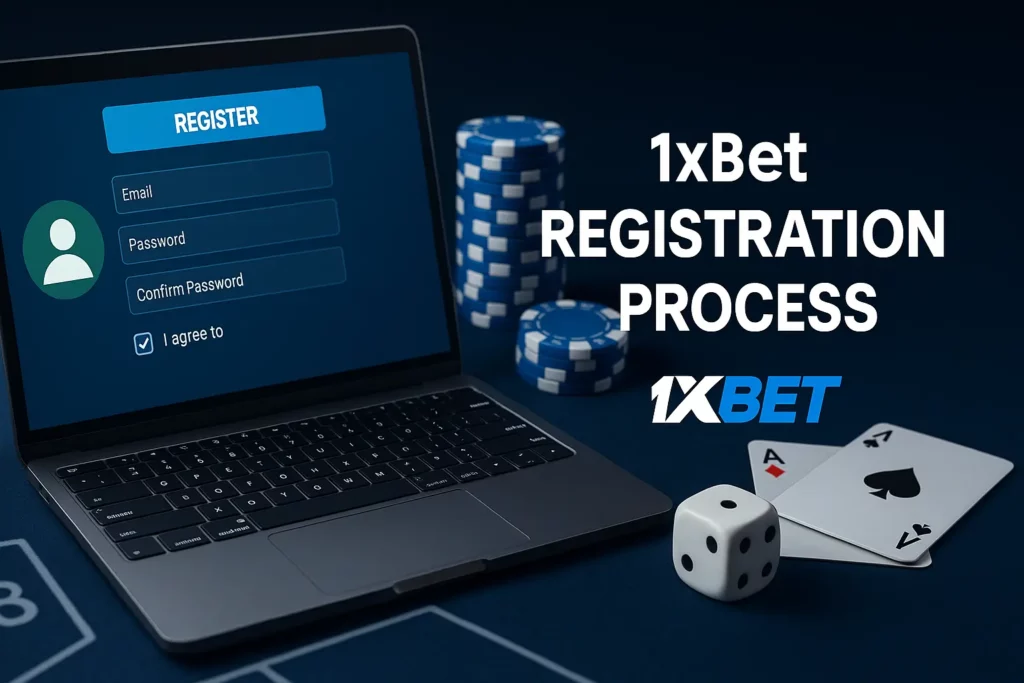
This block covers the standard flow you’ll repeat on desktop and mobile. Use the checklist to avoid missing required fields.
- Select sign-up method: email or phone
- Set currency: XOF, USD, or EUR
- Create password: case-sensitive, no spaces
- Confirm contact: code by email/SMS when required
- Finish profile basics: name and date of birth
- Open your balance and choose a deposit method (from $1 on supported routes)
| Method | What you enter | Typical confirmation | Best for |
| Email + password + currency | Email code or link | Stable access across devices | |
| Phone | Phone + password + currency | SMS code | Fast mobile-first access |

Email Sign up process
Email registration suits players who switch between laptop and phone, because the identifier stays consistent. We recommend using an inbox you control daily, since security codes and alerts land there. 1XBet Sign up by email also simplifies password recovery when you change SIM cards.
Steps we use:
- Open Sign Up → choose Email
- Enter email, set password, pick currency
- Confirm you accept rules, then submit
- Enter the email code (if prompted) to activate the profile
- Log in and complete profile data before the first withdrawal
Phone Number Login Process
Phone sign-up is built for quick mobile access, especially when you prefer SMS confirmation. We advise using one active number and keeping it unchanged, because it is also used for recovery. This method connects smoothly to app sessions and push notifications.
Steps we use:
- Open Sign Up → choose Phone
- Enter number, set password, pick currency
- Confirm the SMS code
- Log in and review account details for accuracy
- Deposit and withdraw through one consistent payment route (withdrawals follow the deposit method)
App note: 1xBet APK Login works after you register, using the same identifier and password; install only the official build to avoid broken sessions and failed updates.
Registration through mobile devices
Mobile sign-up in Mali takes a few minutes and uses the same profile for sportsbook and casino. We recommend creating the account first, then completing verification before the first withdrawal.
| Screen | What you do | What to check |
| Sign Up | Choose method | Email/phone is active |
| Profile | Set currency | XOF, USD, or EUR |
| Security | Confirm code | SMS/email code matches |

Step 1: Install the official app
Use the official store build; avoid unofficial copies. 1xBet APK Login is only reliable when the installer source is verified.
Step 2: Open Sign Up
Tap registration and select your method for 1xBet Registration: email or phone number.
Step 3: Set core account fields
Enter your identifier, create a password and pick currency. Keep one identifier to simplify 1XBet Login later.
Step 4: Confirm your contact
Enter the SMS/email code to activate the profile and reduce failed Login 1XBet attempts.
Step 5: Secure and verify
Finish profile data and upload documents if requested; this helps withdrawals process smoothly for 1XBet Malia users.
FAQ
Alias login isn’t a standard option. We authenticate via the identifier used at sign-up (email, phone, or account ID) plus password, then a security check if the system detects unusual activity.
App-only registration is possible. We let you create a profile inside the mobile app, then use the same credentials on the desktop later if you want a larger screen for settings.
Email updates are available inside profile settings if your account status allows edits. If a change is blocked, support can guide the request after basic identity confirmation.
Email delivery issues usually come from spam filters, a mistyped address, or mailbox limits. Check spam/junk, whitelist our sender, confirm your email in profile, then request a resend.
Sign-up takes: choose email or phone → set password → pick currency (XOF, USD, or EUR) → confirm code if prompted → finish basic profile fields → log in and fund from $1 on supported methods.
New players can receive a welcome offer tied to first deposit terms and eligibility rules shown in Promotions. Current headline deal: 200% BONUS ON THE FIRST DEPOSIT UP TO 130 000 XOF.
Email alerts require an active, confirmed address and marketing notifications enabled in your profile. If you opted out before, switch alerts back on, then save changes.
Password reset runs from the login screen: tap “Forgot password” → enter your email/phone/ID → confirm the one-time code → set a new password → sign in. If codes fail, contact [email protected].